
Referral Partner Program
HydroHelp911 Referral Partner Program
Become a trusted referral partner and enjoy the benefits of helping protect homes while earning rewards.
How It Works
How Does the Referral Partner Program Work?
Follow these six steps to maximize your rewards.
-
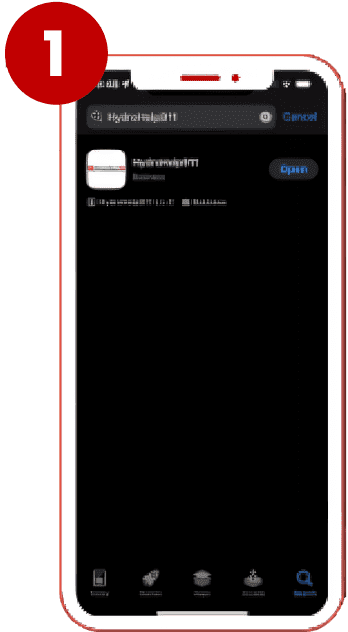
Download the App
Start by opening your App Store, searching for HydroHelp911, and downloading the app when you see the logo.
-
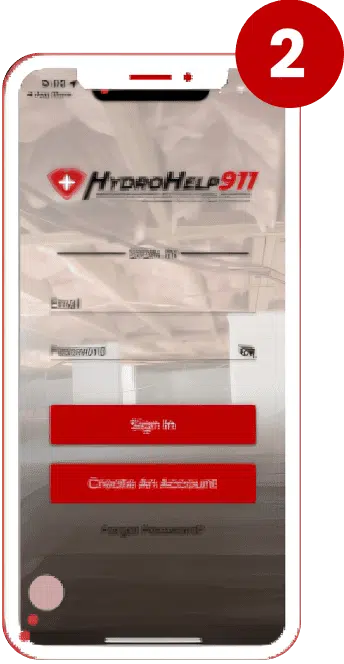
Create Your Account
Once the app is installed, open it and tap on Create an Account. You'll be asked to select a Sales Rep; choose the person who told you about the app.
-
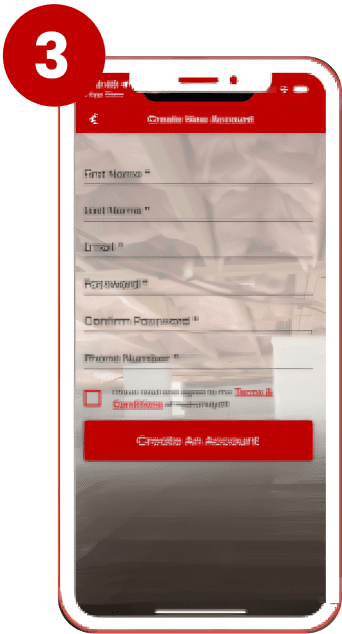
Enter Your Information
Next, you'll be prompted to fill in your personal details, including your name, email address, password, and phone number. After that, just hit Create an Account.
-
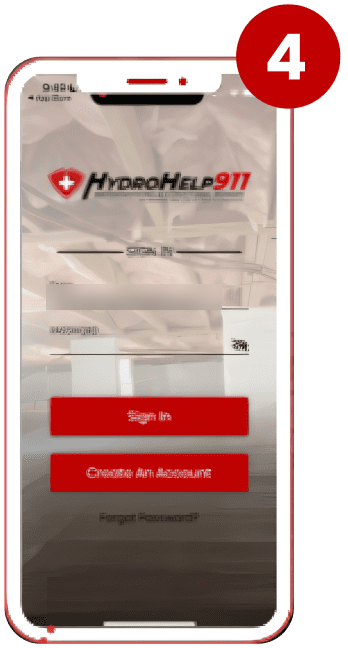
Log In
Now that your account is set up, you can log in using the email and password you created earlier.
-
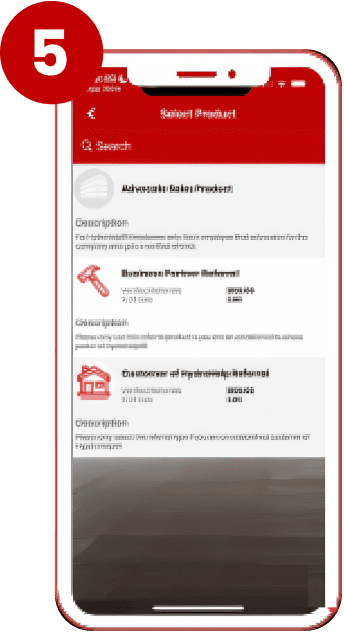
Add a Referral
Once logged in, start adding referrals by clicking Add a Referral. Choose whether you are submitting a Business Partner Referral or a Customer of HydroHelp, then enter the information of the person you're referring to, along with any relevant notes.
-
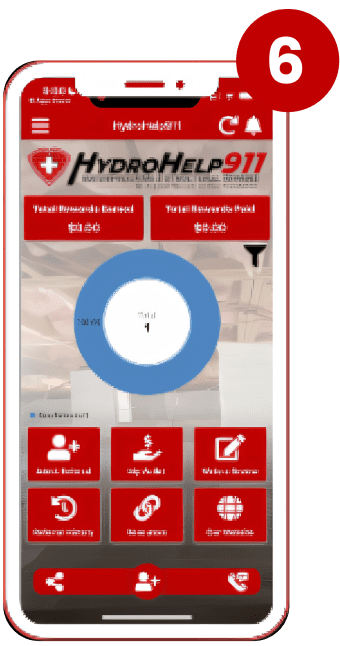
Track Your Referral
After submitting the referral, you'll be redirected to the home page, where you can easily track your referrals and rewards.
Apply
Apply to Become a Referral Partner
By joining our Referral Partner Program, you become one of our referral partners. The clients you refer are cared for by our team, and you can track your referrals and rewards in the app.
After you submit, your application comes to our team. Then download the app to add and track your referrals.